
Hand-curated books, mystery reads, and thoughtful gifts for every kind of reader.
Browse the shelves
Curated for readers
Bookish bundles, totes, cups, mugs, and stationery, each one waiting on our shop.
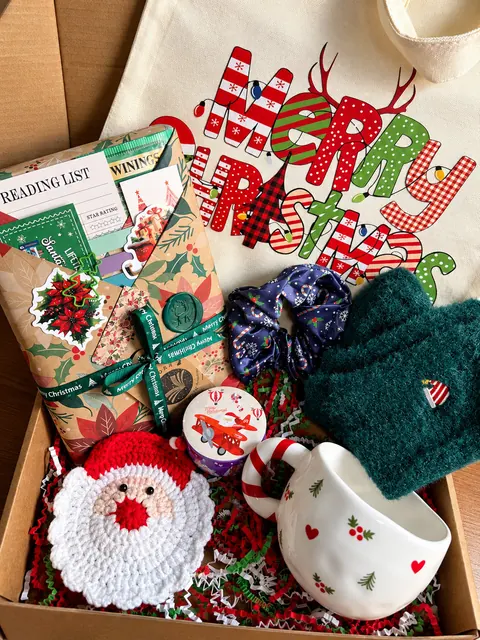 The Christmas ChapterChristmas CollectionBookish gifts to tuck under the tree.
 The Autumn ChapterAutumn CollectionCozy reads and gifts for sweater weather.
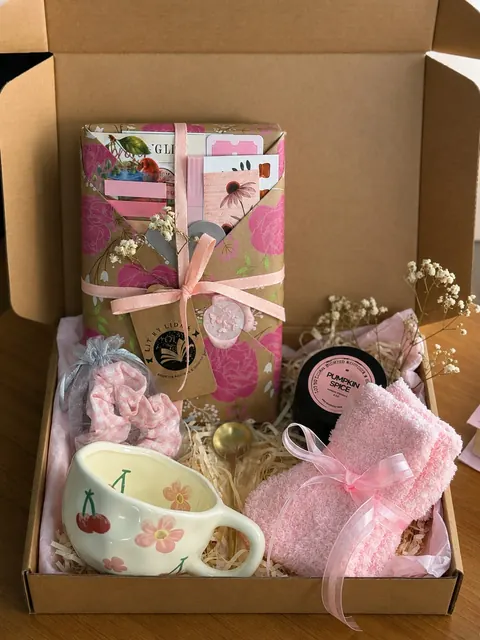 Bookish BundlesBlind dates and bookish bundles, ready to give.Browse Bookish Bundles on our shop
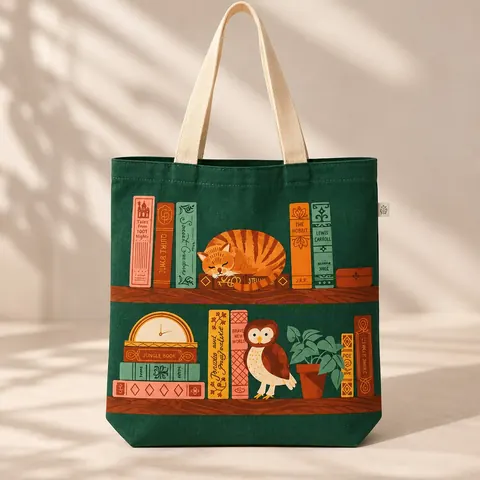 Tote BagsFor the library haul and the long way home.Browse Tote Bags on our shop
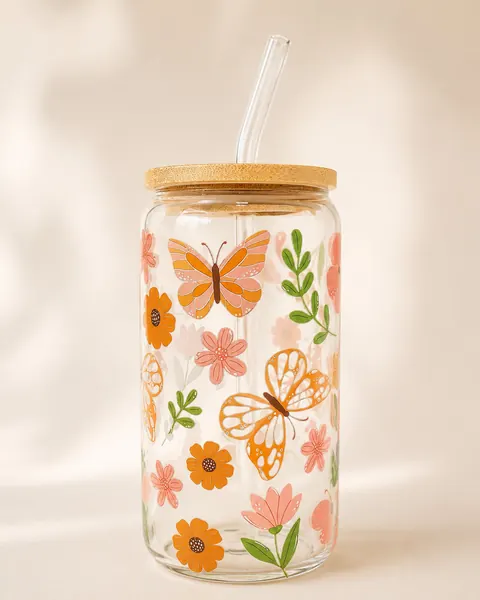 Glass CupsSomething iced, a quiet corner, a good book.Browse Glass Cups on our shop
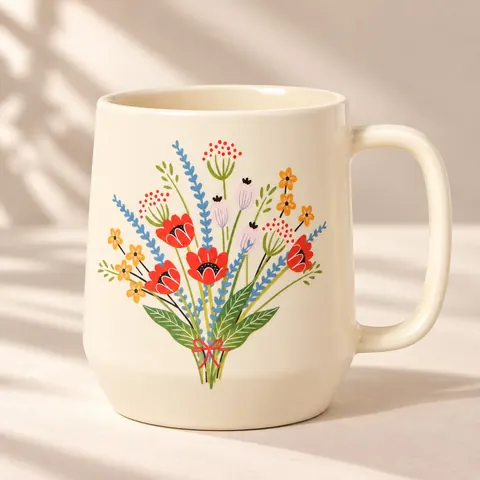 MugsSomething warm for chapter one.Browse Mugs on our shop
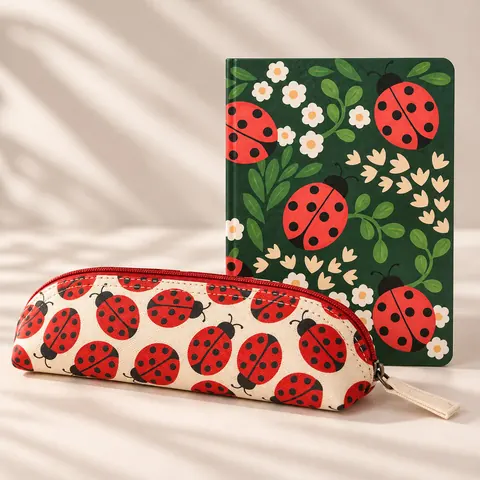 StationeryFor notes in the margins and letters worth sending.Browse Stationery on our shop
 The Whole BoutiqueEvery shelf, all in one place.Visit the whole boutique
A mystery, hand-picked for you
Blind Date with a Book
Choose a genre and a book is hand-picked just for you. The title stays a mystery until you unwrap your bundle.
1Choose a genre
Every genre comes with one whispered clue. Never the title.
2Untie the twine
3Make it yours
Choose your genre on our shopOnce you pick a genre, our shop opens with it already selected. You can still change it there before adding to cart.
In every bundle
- One brand-new, unread surprise book
- Every title rated 3.70★ or higher on Goodreads
- Beautifully gift-wrapped in a box
- Includes delightful bookish goodies such as bookmarks, highlighters, stickers, and more!
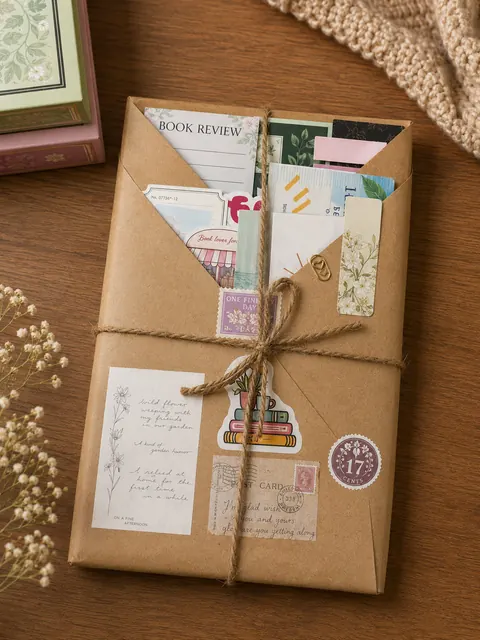
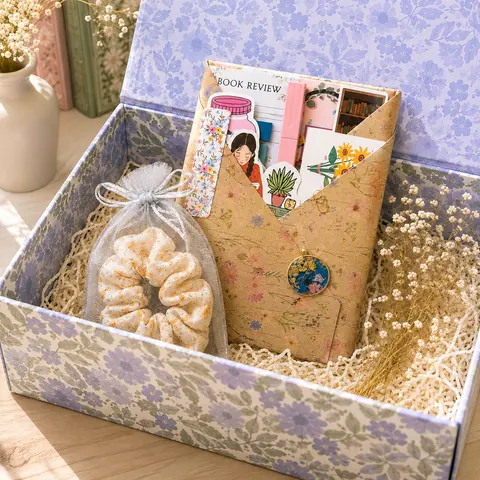

Every bundle is carefully hand-curated, making each one unique. Accessories, colors, and designs may vary depending on availability.
Letters & postmarks
Follow the story
Come say hello wherever you like to scroll.
Before you go
Fancy a Second Date?
One good book deserves another. Keep Lit by Liora on your Home Screen, and your next cozy read is always just a tap away. No awkward goodbyes. ♡
It’s a date ♡ Lit by Liora is on your Home Screen.
On iPhone or iPad
- Tap Share (in Safari at the bottom or top of the screen; in Chrome in the address bar).
- Scroll down and tap Add to Home Screen.
- Tap Add. Lit by Liora appears with its own icon.
First, open this page in Safari
You’re reading inside another app’s browser, which can’t add pages to your Home Screen.
- Tap ••• (or the compass icon) and choose Open in browser or Open in Safari.
- In Safari, tap Share , then Add to Home Screen.
First, open this page in your browser
You’re reading inside another app’s browser, which can’t add pages to your Home Screen.
- Tap ⋮ and choose Open in browser (or Open in Chrome).
- In the browser, tap ⋮, then Add to Home screen.
On Android
- Tap the menu ⋮ at the top right.
- Tap Add to Home screen (some versions say Install app).
- Confirm with Add or Install.
In Samsung Internet
- Tap the menu ≡ at the bottom right.
- Tap Add page to, then Home screen.
In Firefox on Android
- Tap the menu ⋮.
- Tap Add to Home screen, then Add.
In Safari on a Mac
- In the menu bar, choose File › Add to Dock… (macOS Sonoma or later).
- Or keep us as a bookmark: press ⌘ D.
On a computer
- Look for an install icon at the right end of the address bar, or open the browser menu (⋮ or …) and look for Install or Create shortcut.
- If your browser doesn’t offer one, a bookmark keeps us close: Ctrl D (⌘ D on a Mac).
In Firefox on a computer
Firefox on computers can’t add websites to a home screen or dock.
- A bookmark works nicely: press Ctrl D (⌘ D on a Mac).
Keep us close
- Open your browser’s menu and look for Add to Home Screen or Install.
- If there isn’t one, a bookmark works just as well.
Lit, as in literature. Lit, as in a lamp left on for one more chapter.
Hand-curated with care. Prices, availability, and shipping are always current on our shop.